The next lessons, each one joining its path on the day it goes live.
 Coming Thursday, November 19
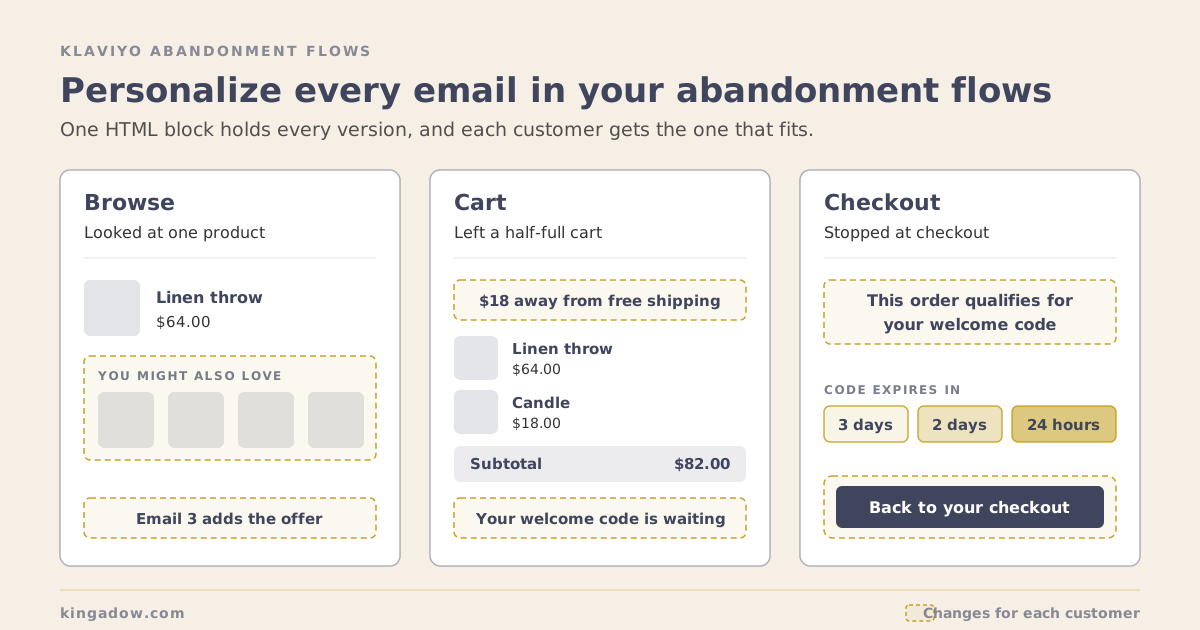
Klaviyo Flows That Keep Customers · Lesson 3 How to Personalize Every Email in Your Abandoned Cart, Checkout and Browse Flows
Someone who browsed, someone with a half-full cart and someone who stopped at checkout all need something different. Here are the 5 HTML blocks I use in every abandonment flow, with the Klaviyo code: free shipping in 3 versions, either/or discount codes, loyalty points, multi-store links and sections that hide themselves.
 Coming Thursday, November 26
Building in Klaviyo · Lesson 2 Claude Email Design: The Free Skills and Figma Setup I Use
Claude designs on-brand emails in Figma once three things exist: your brand written down for email, a file built from your own blocks, and a blind review. I put all three on GitHub for free, with a full example brand.
 Coming Thursday, December 3
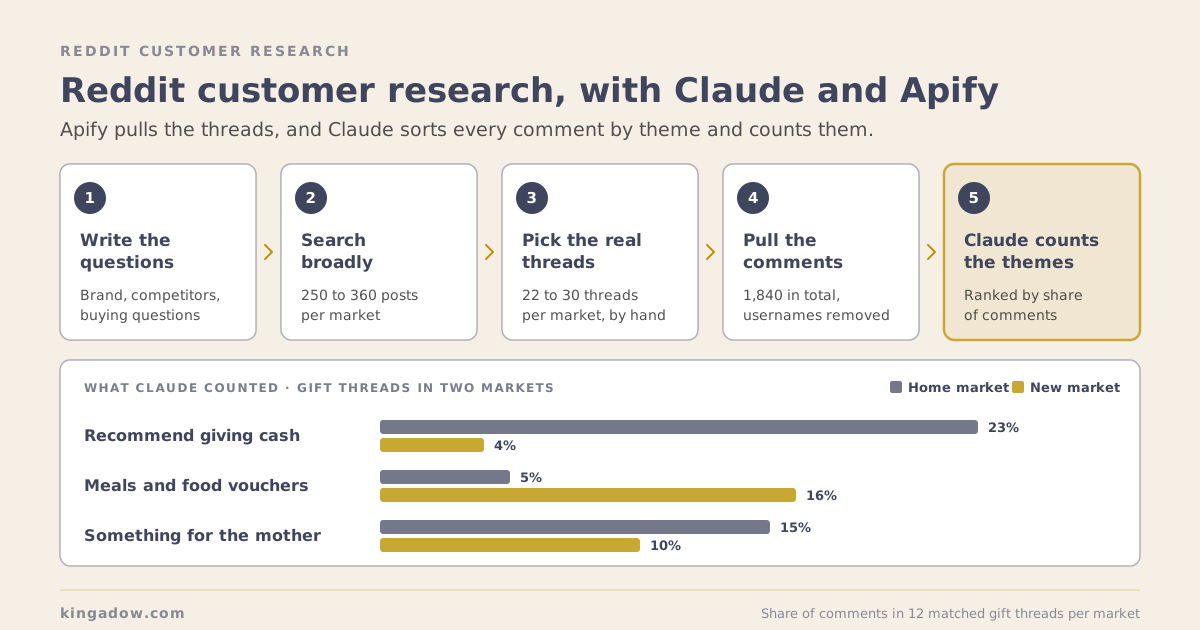
Working With Claude · Lesson 5 How to Use Reddit for Customer Research, With Claude and Apify
Your customers already explain what they want on Reddit, in their own words. Here's how I pull those threads with Apify, sort them with Claude, and turn them into email copy and ad angles.
 Coming Thursday, December 10
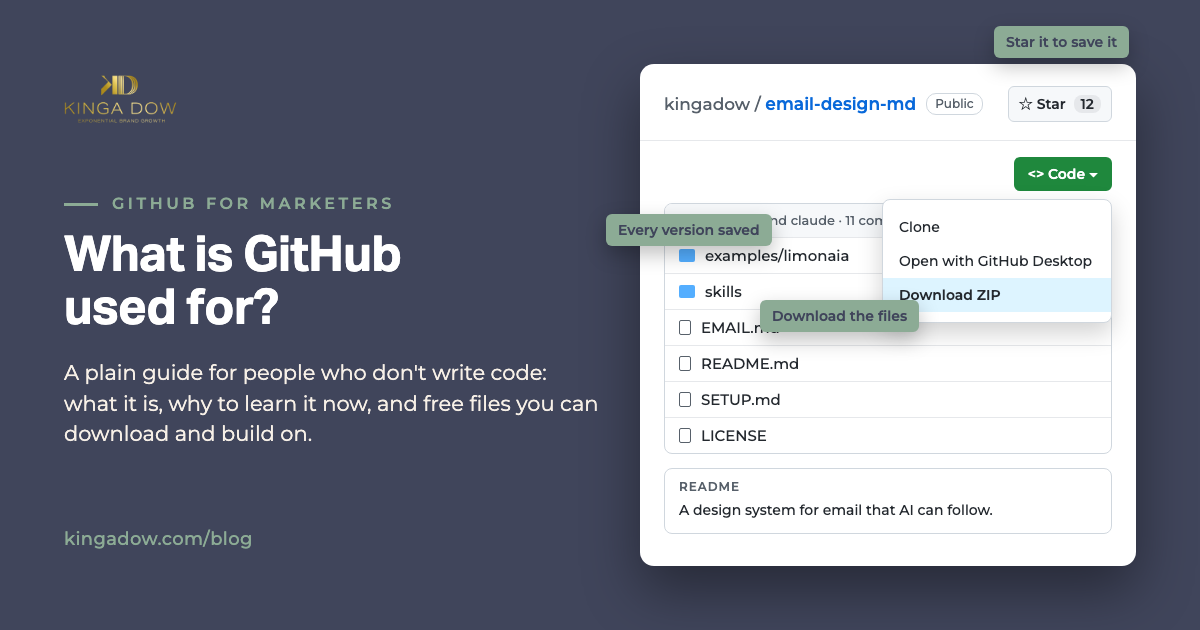
Working With Claude · Lesson 3 What Is GitHub Used For? A Guide for Marketers Who Don't Code
GitHub is where the templates, Claude skills and setups marketers want are now shared. Here's what it is in plain words, why it's worth learning now, what's free, how to use a repo without writing code, and the free repos I share.
 Coming Thursday, December 17
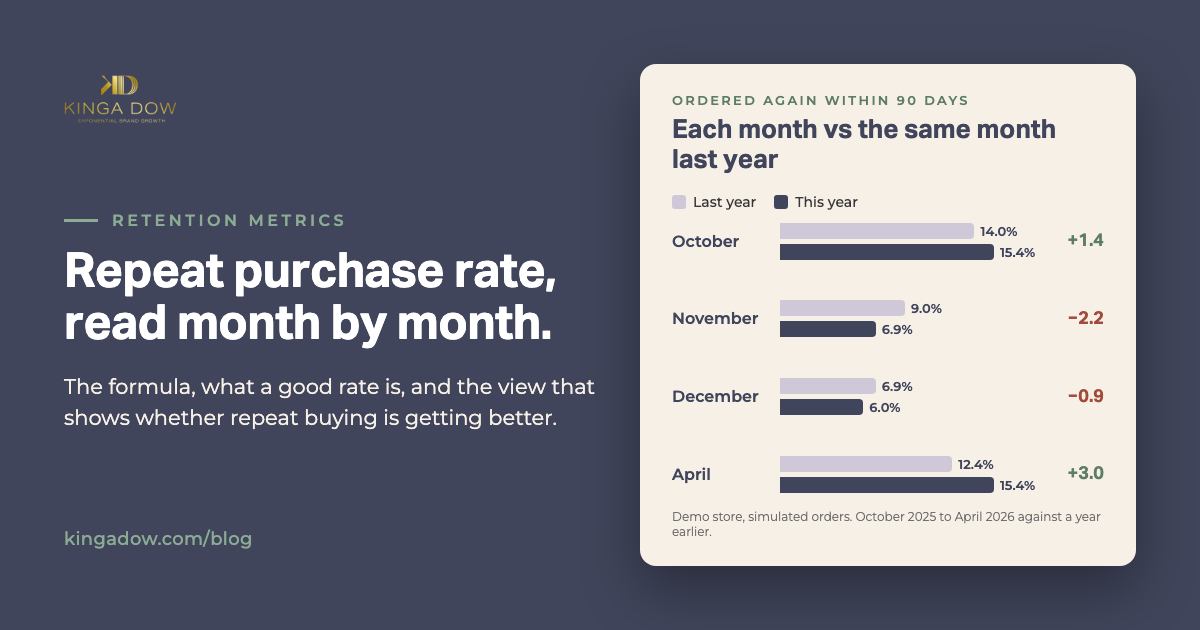
Measuring Retention · Lesson 2 Repeat Purchase Rate: The Formula, What's Good, and Why One Number Misleads
One store, one year, and three repeat purchase rates: 11.5%, 22.3% and 33.4%. Here's the formula, what a good rate is, and the way to measure it that tells you whether repeat buying is getting better or worse.
 Coming Thursday, December 24
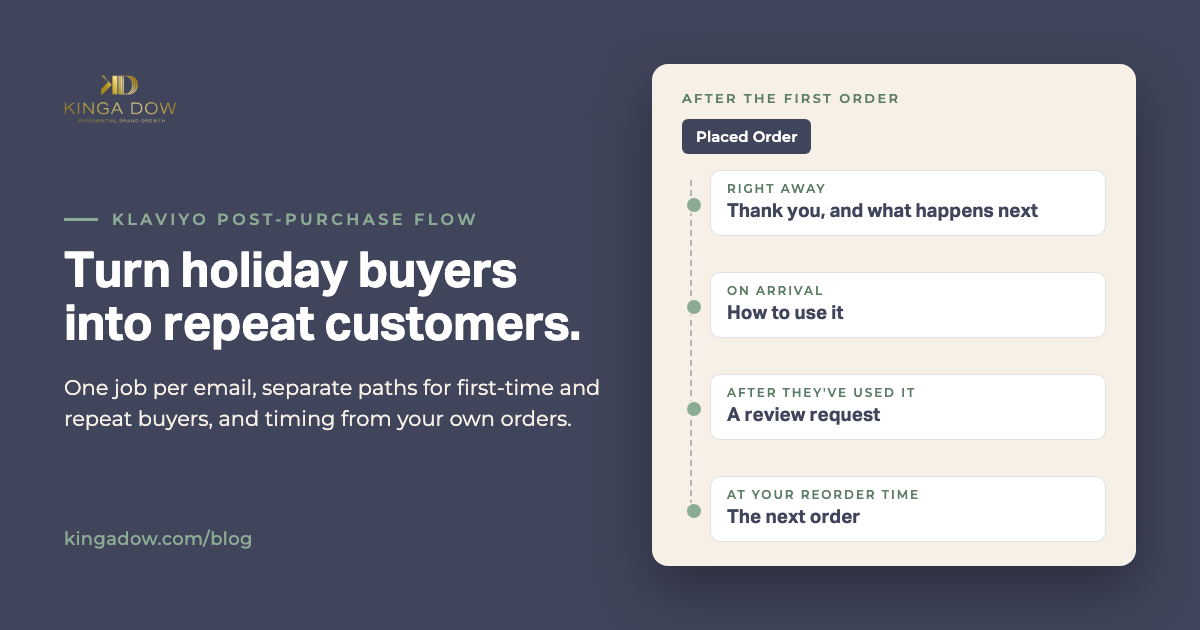
Klaviyo Flows That Keep Customers · Lesson 4 Klaviyo Post-Purchase Flow: Turning Holiday Buyers Into Repeat Customers
December fills your account with first-time buyers. What happens after their box arrives decides whether they order again. Here's the Klaviyo post-purchase flow I set up: one job per email, separate paths for first-time and repeat buyers, and timing taken from your own orders.
 Coming Thursday, December 31
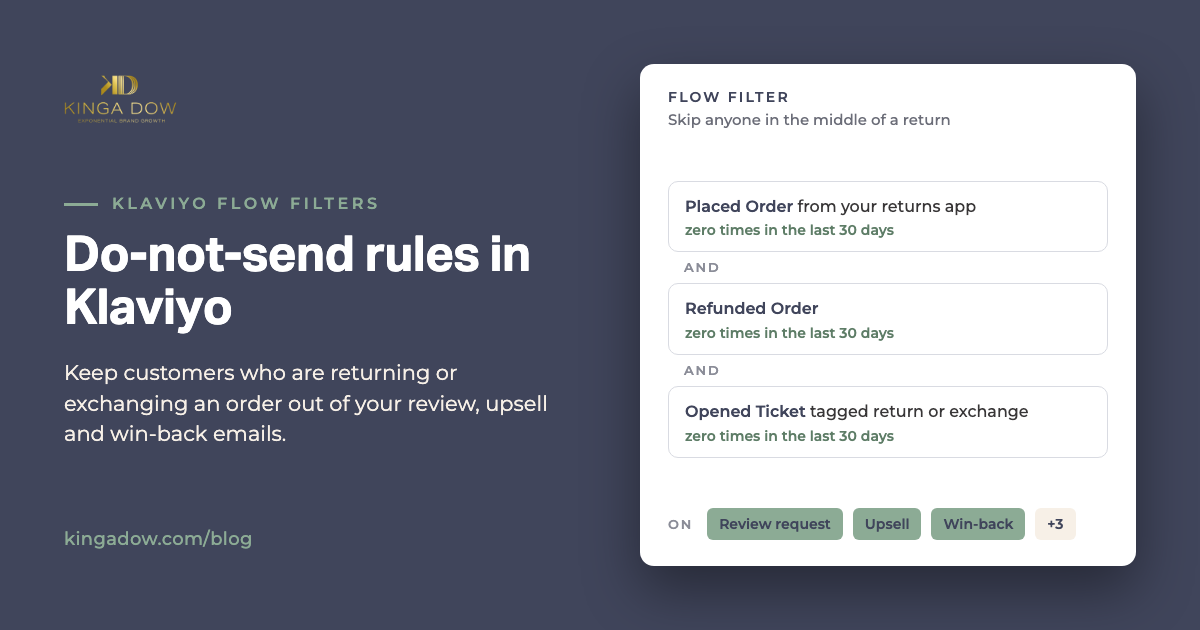
Klaviyo Flows That Keep Customers · Lesson 6 Do-Not-Send Rules in Klaviyo: Keep Returns and Exchanges Out of Your Flows
An exchange looks like a second order to Klaviyo, so the customer swapping a size gets a review request and an upsell. Here are the 2 do-not-send rules I set up for a client, step by step.
 Coming Thursday, January 7
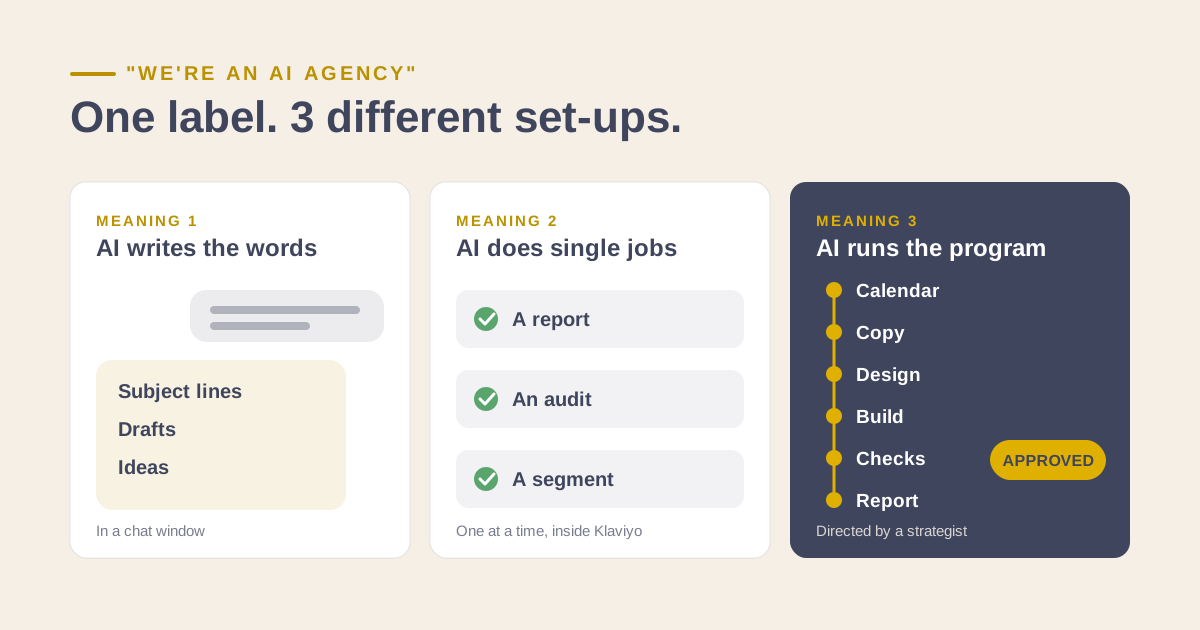
Working With Claude · Lesson 2 Every Agency Is an AI Agency Now. It Can Mean 3 Different Things
Every email agency says AI now, and every one of them is telling the truth. The same word covers three very different set-ups. Here's how to tell which one you're getting.
 Coming Thursday, January 14
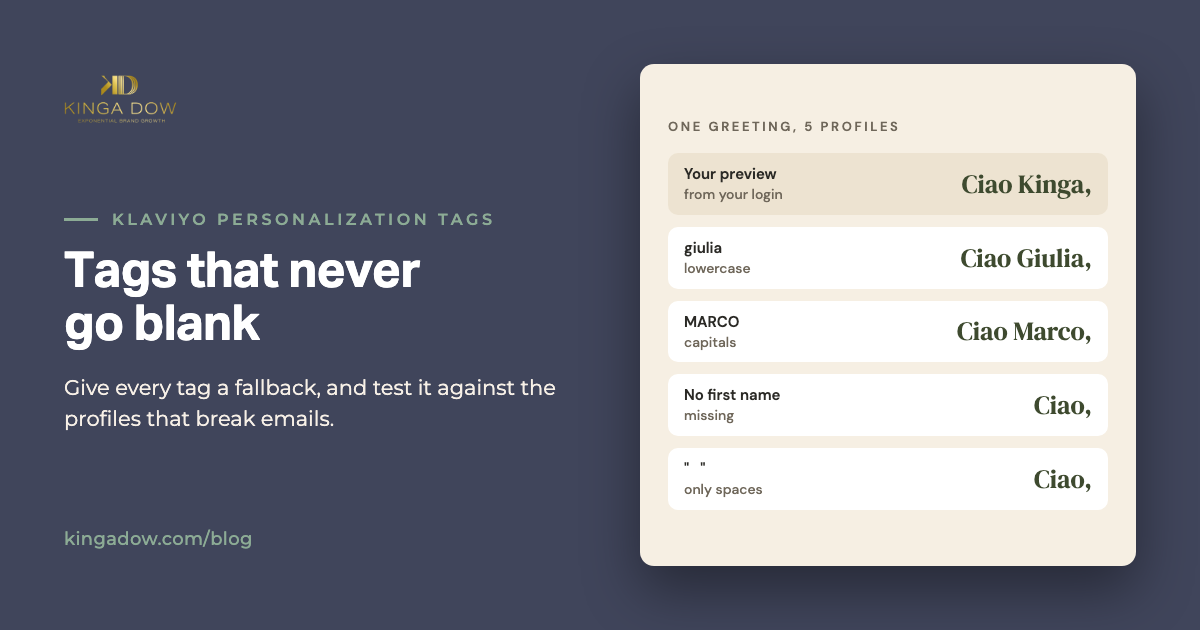
Building in Klaviyo · Lesson 3 Klaviyo Personalization Tags: First Name Defaults and Blocks That Don't Break
Your preview says 'Hi Kinga.' The real send says 'Hi ,'. How Klaviyo personalization tags work, how to give every tag a fallback, and how to test them against the profiles that break emails.
 Coming Thursday, January 21
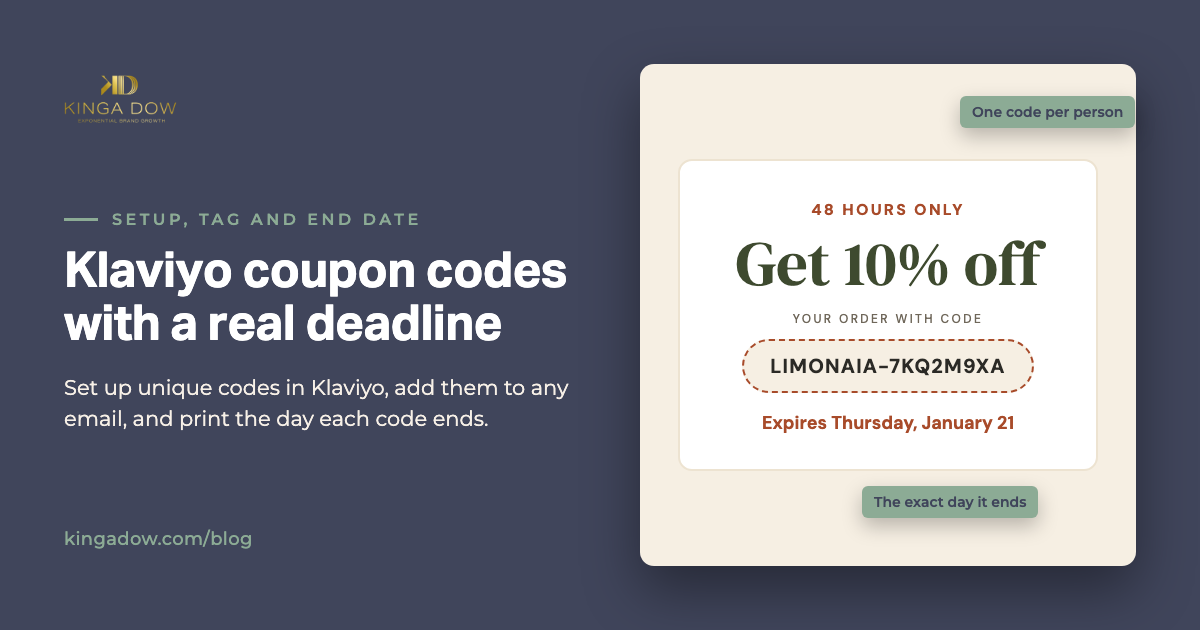
Building in Klaviyo · Lesson 4 Klaviyo Coupon Codes: Setup, the Email Tag, and a Deadline People Act On
How to set up unique coupon codes in Klaviyo, add them to an email, and print the exact day the code ends, so customers use it before it's gone.
 Coming Thursday, January 28
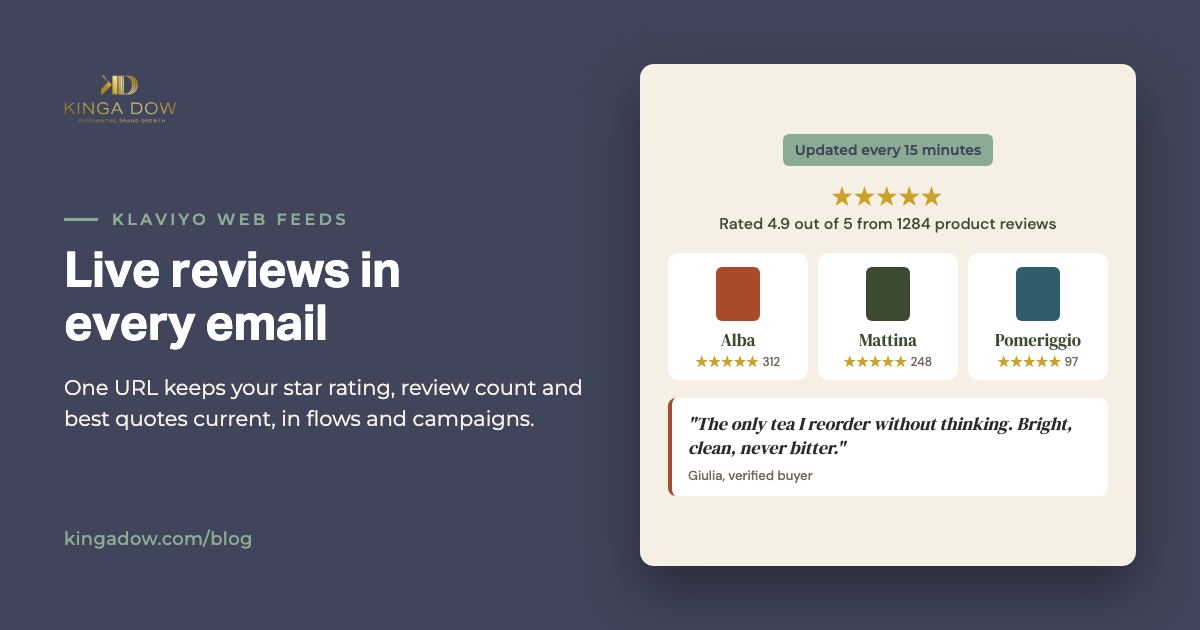
Building in Klaviyo · Lesson 5 Klaviyo Web Feeds: Live Reviews and Star Ratings in Every Email
Your email still says 'Rated 4.8 from 3,000 reviews' and you have 6,000 now. How Klaviyo web feeds keep live reviews and star ratings in every email, which quotes to let through, and where they earn their place.
 Coming Thursday, February 11
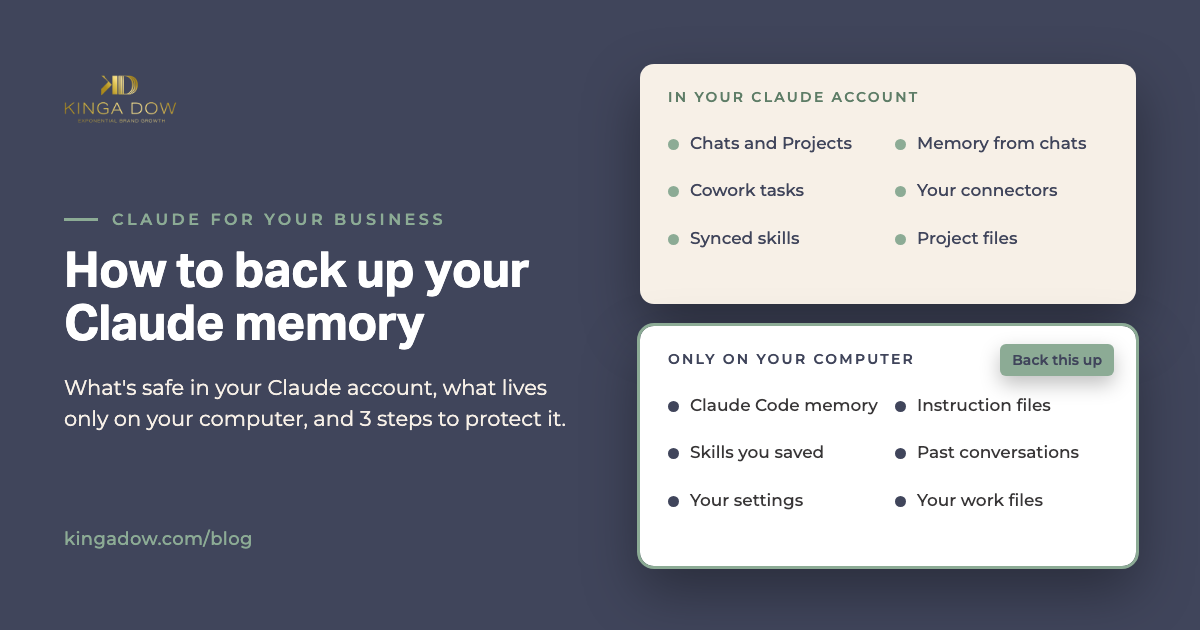
Working With Claude · Lesson 9 How to Back Up Your Claude Memory Before Your Computer Dies
Your chats and Claude's memory of them live in your account. Claude Code keeps its memory, instructions and skills in one folder on your computer. Here's what survives a dead laptop, what doesn't, and the 3 steps that protect it.